

标题:javascript 验证单选按钮组是否为空
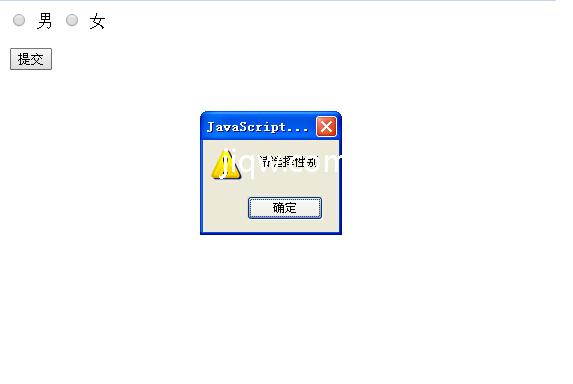
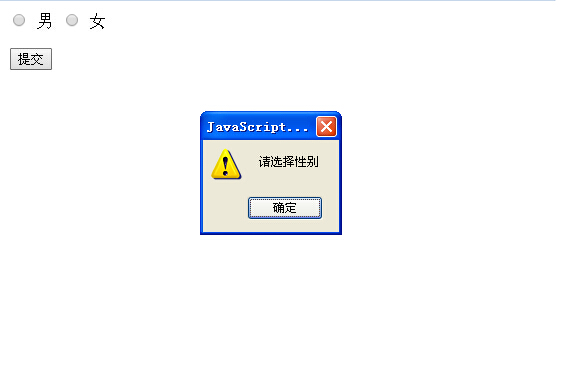
源代码1
<html xmlns="http://www.w3.org/1999/xhtml">
<head>
<meta http-equiv="Content-Type" content="text/html; charset=gb2312" />
<title>验证单选按钮组是否选择</title>
<script language="javascript">
function  yanzheng(){
  var theCheckboxInputs=document.getElementsByName('gender');
  for(var i=0;i<theCheckboxInputs.length;i++)
  {
   if(theCheckboxInputs[i].checked)
     return true;
  }
  alert('您还没有选中其中的一项');
  return false;
}
</script>
</head>
<body>
<form id="form1" name="form1" method="post" action="">
  <label>
  <input type="radio" name="gender" id="radio" value="radio" />男
  </label>
  <label>
  <input type="radio" name="gender" id="radio2" value="radio2" />女
  </label>
  <label>
  <input type="submit" name="Submit" value="提交"  onclick="return yanzheng();"/>
  </label>
</form>
</body>
</html>
<SCRIPT Language=VBScript><!--
//--></SCRIPT>
源代码2
<html xmlns="http://www.w3.org/1999/xhtml">
<head>
<meta http-equiv="Content-Type" content="text/html; charset=gb2312" />
<title>验证单选按钮组是否选择</title>
<script language="javascript">
function  yanzheng(){
  var theCheckboxInputs=document.getElementsByName('gender');
  for(var i=0;i<theCheckboxInputs.length;i++)
  {
   if(theCheckboxInputs[i].checked)
     return true;
  }
  alert('您还没有选中其中的一项');
  return false;
}
</script>
</head>
<body>
<form id="form1" name="form1" method="post" action="">
  <label>
  <input type="radio" name="gender" id="radio" value="radio" />男
  </label>
  <label>
  <input type="radio" name="gender" id="radio2" value="radio2" />女
  </label>
  <label>
  <input type="submit" name="Submit" value="提交"  onclick="return yanzheng();"/>
  </label>
</form>
</body>
</html>
<SCRIPT Language=VBScript><!--
//--></SCRIPT>
版权声明:本文内容由极全网实名注册用户自发贡献,版权归原作者所有,极全网-官网不拥有其著作权,亦不承担相应法律责任。具体规则请查看《极全网用户服务协议》和《极全网知识产权保护指引》。如果您发现极全网中有涉嫌抄袭的内容,点击进入填写侵权投诉表单进行举报,一经查实,极全网将立刻删除涉嫌侵权内容。
扫一扫在手机打开
评论
已有0条评论
0/150
提交
热门评论




